テストと検証
Postman CLI
ターミナルやCI/CDパイプラインから直接、
APIを実行、テスト、検証できます。
エージェント向けにインストール
Equip your agents with pre-built skills
Drop the Postman CLI into your coding agent: postman init loads Postman's agent skills so it can run collections, tests, and API workflows without leaving your editor. Run postman skills status to keep skills current.
Marketplace
get the Postman plugin
claude plugin marketplace add anthropics/claude-plugins-officialclaude plugin install postman@claude-plugins-official
api-discovery
Find and reuse the APIs already in your org

api-testing
Generate request collections and assertions that catch regressions

api-mocking
Spin up a mock server before the API exists

api-monitoring
Watch live endpoints for uptime and drift

ci-integration
Run collection and governance checks on every commit

performance-testing
Simulate real-world load to surface bottlenecks
Try these prompts
世界中の導入企業







Postman AIでスクリプトを生成し、CI/CDで実行
Postman AIがテストスクリプトを作成し、Postman CLIを使ってCI/CDパイプラインで実行できます。わずか数秒で、必要なテストを網羅できます。
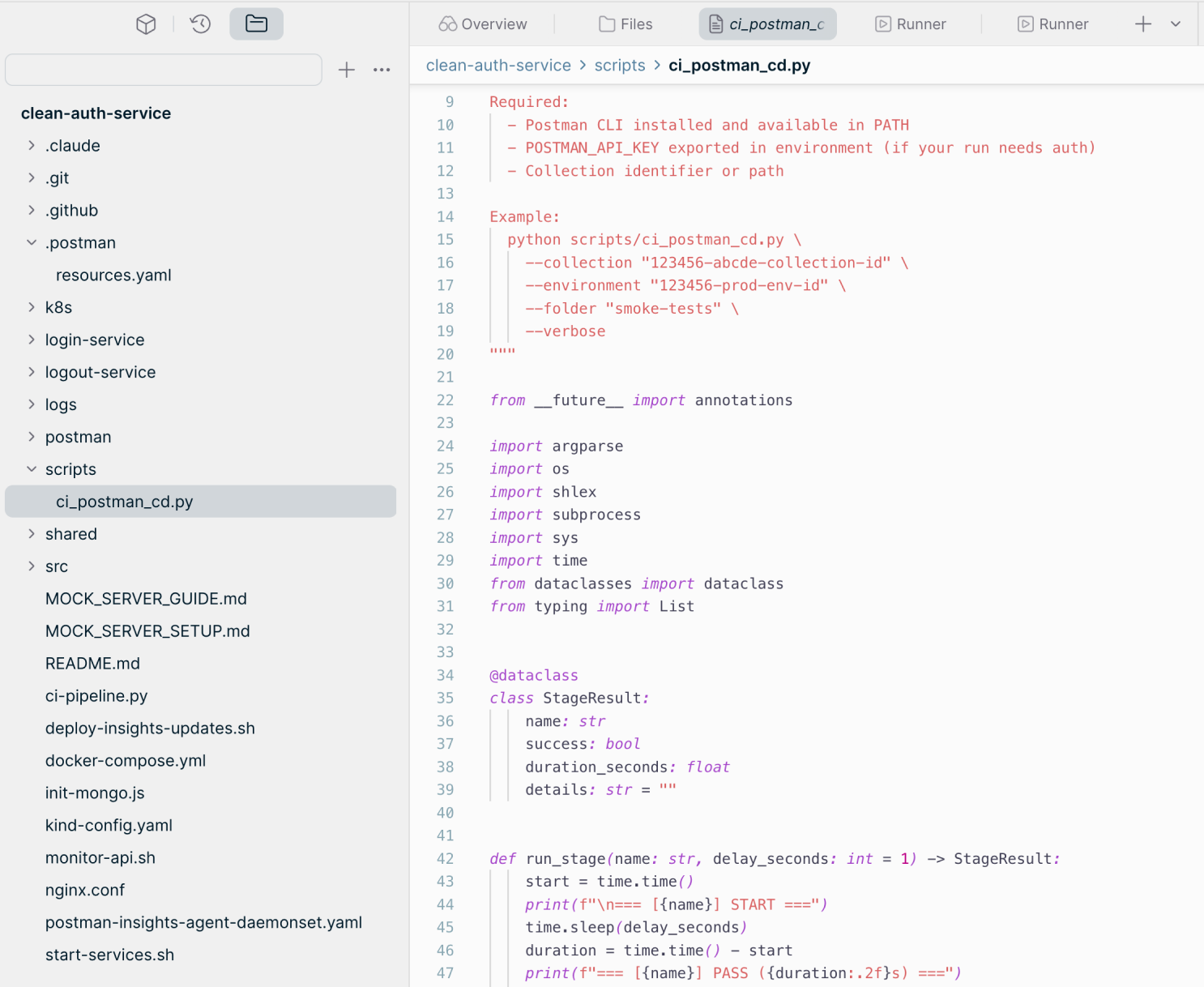
Postmanで自動化を進めたことで、チームの開発者の生産性が大幅に向上しました。また、チーム全体で状況を把握しやすくなり、インテグレーションの問題を早期に発見して、ユーザーに影響する前にエラーを検出できるようになりました。"Kirti Kulkarni氏, シニアプリンシパルアーキテクト, Sling TV


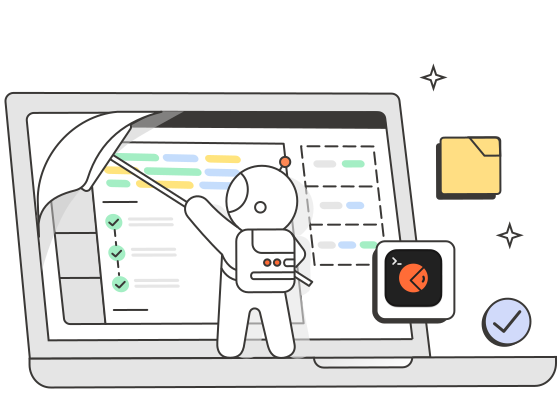

Postman CLIについて詳しく知る
Postman CLIを活用して、すべてのパイプラインでAPIテストを実行し、その結果に基づいてデプロイを制御し、APIをいつでも本番環境にリリースできる状態に保つ方法をご紹介します。お気軽にご相談ください。